Override Sidebar Back Color
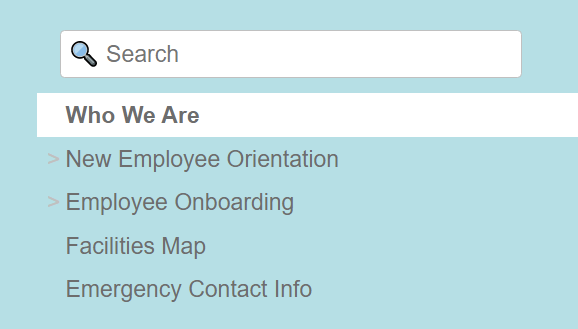
Override Sidebar Back Color allows you control over the background color of the sidebar navigation on all site tabs. 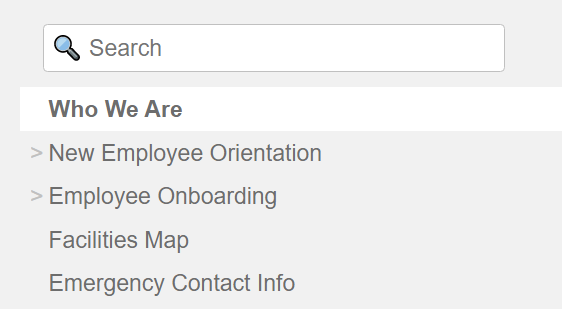
To change the sidebar background color, specify a color name (eg. blue) or a hexadecimal color code (eg. #B0E0E6).
If using a color name, it must be one of 147 names supported by commonly used modern browsers or the target system browser. 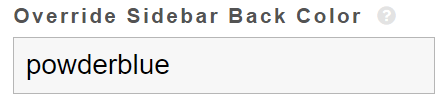

A server restart is required for the update to be applied. To do so, go to Admin Tools.
After the restart, it should take you to the default tab's first article.
The new custom sidebar background color should now display.