
Default Tabs
By default, the main Policies and Procedures tab will be the tab that is active when a user logs in.
You can change this, however, using the Custom Tabs feature. By creating a custom tab, you can specify the "Default Tab" setting to be Yes, and that will now become the default active tab when a user logs in. 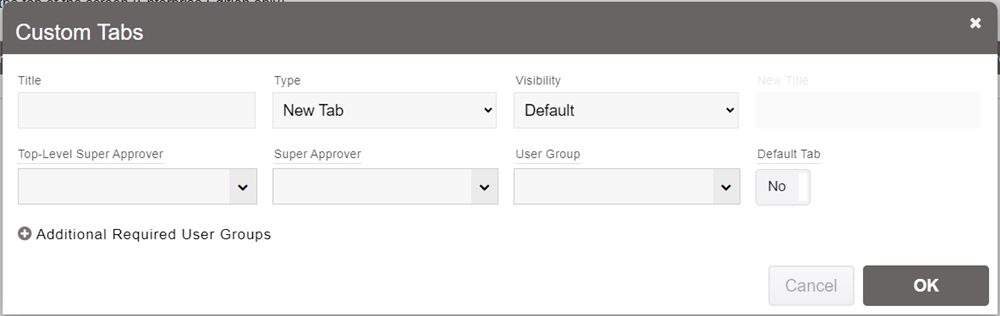
Multiple tabs can be set as default, and if the first tab isn't accessible to a user, then the next tab that is accessible and set to default will display as active for them.